
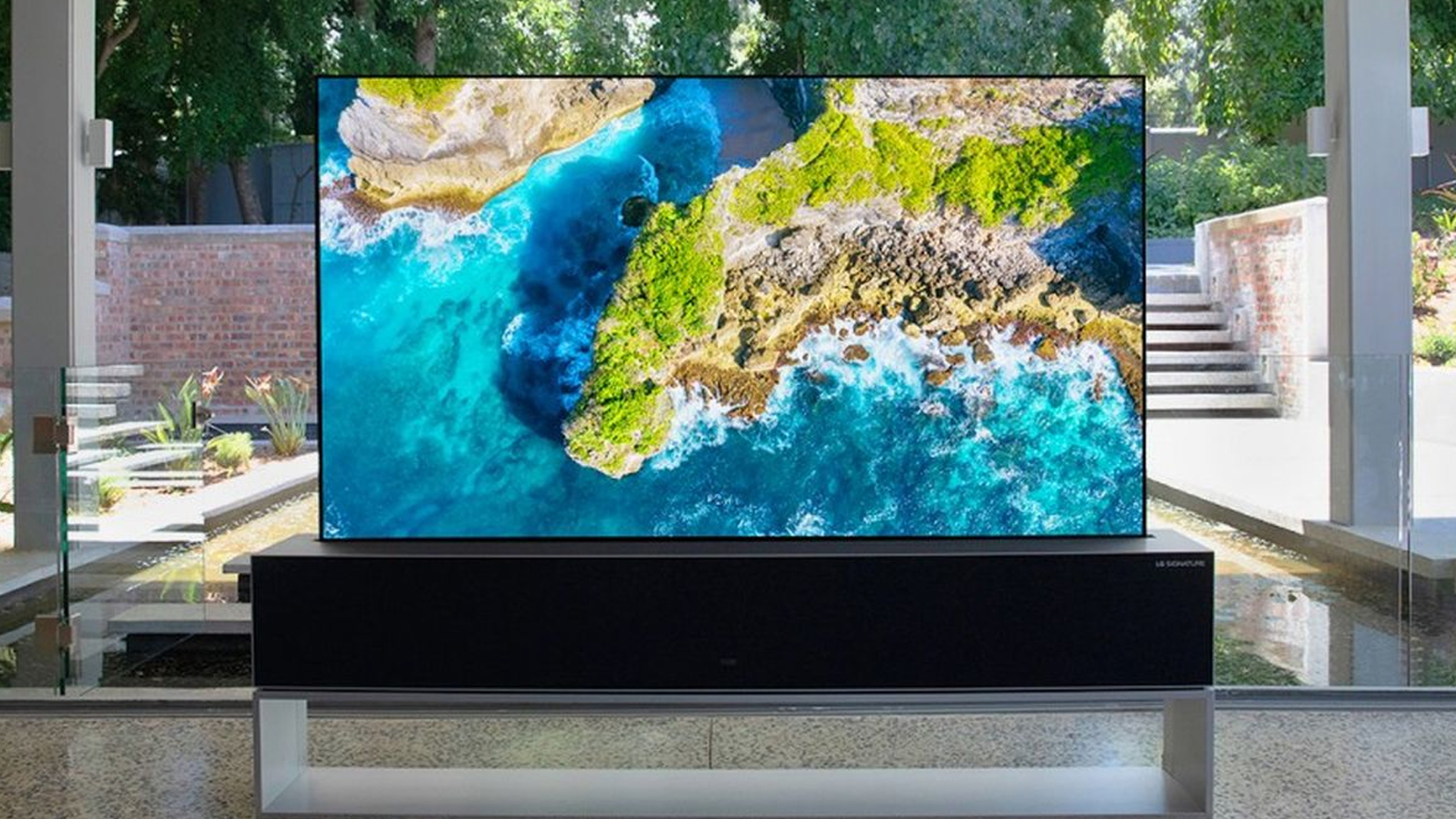
Ever wondered why the picture quality on your OLED TV doesn’t quite match the hype? the issue isn’t the TV itself, but the settings you’re using.
Before diving into the best settings for your OLED TV, its important to understand that every model is unique; what works best for one might not work for another. However, there are some general guidelines that can help enhance your viewing experience.
ENERGY SAVING SETTINGS AND DISPLAY MODES
First and foremost, turn off any energy saving settings, this can significantly reduce the brightness of your display, making it harder to see the details in your favourite show or movie.
Instead, opt for a standard or cinema mode, these modes are usually calibrated to provide a more accurate color representation
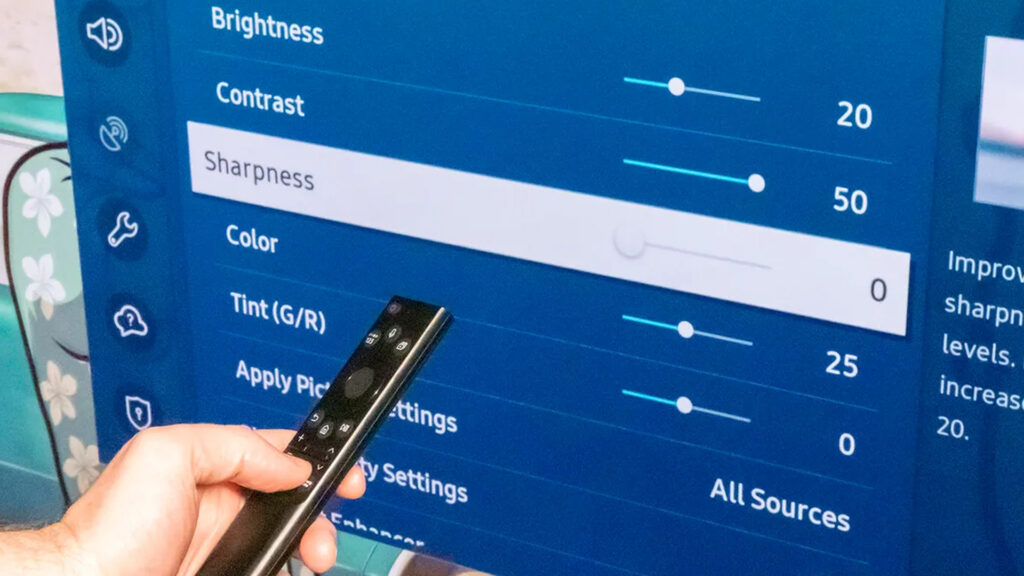
ADJUSTING BRIGHTNESS, CONTRAST AND SHARPNESS
Next, adjust the brightness and contrast, for most OLED TVs a brightness setting of around fifty percent is ideal, this allows for a clear, bright picture without washing out the colors.
The contrast, meanwhile should be set to its maximum, this will give the blackest blacks and whitest whites, providing a more vivid and lifelike image.
Sharpness is another setting to consider while it might be tempting to crank it up to make the picture look sharper, this can actually add artificial details and make the image look unnatural.
COLOR TEMPERATURE AND MOTION SETTINGS
Color temperature is also an important aspect of your viewing experience, most people prefer a warmer color temperature as it’s more relaxing to the eyes, however if you’re watching something that requires accurate color representation, like a nature documentary, you might want to opt for a cooler temperature.
Finally, don’t forget about motion settings, some people love the soap opera effect, while others find it distracting, its all about personal preference here ladies and gentlemen so play around with these settings until you find a sweet spot that works for you.
IN WRAPPING UP / SUMMARY PERSONALIZATION
To summarize, the best settings for your OLED TV are to turn off any energy saving settings, use standard or cinema mode, set the brightness to around fifty percent and contrast to the maximum, adjust the sharpness to around ten percent, choose a warmer color temperature, and adjust motion settings to your liking.
But always remember, these are just guidelines based on surveys and other forms of research from random people of different age groups.
The best settings for you will depend on your personal preferences and the specific model of your TV.
And again, play around your settings to find the perfect balance.
Now, you might be asking, What if I’ve tried all these settings and I’m not happy with the picture quality? Well, in case, it might be worth considering a professional calibration, contact the technical support for your specific brand, as calibration can be a bit costly but it can be explored and may not cost you much if your TV is still under warranty, it could be key to getting the most out of your TV.